kott® · live
live visuals that lock to the beat.
Dither, halftone, ASCII and glitch on a live camera, locked to the music.
free · no card
01/ RANGE
see what it does to real photos.
Real photographs run through kott, untouched: dither, halftone, riso, xerox, moiré and engraving at print resolution. Drag the divider to compare.
Pick a subject — or drag the divider.
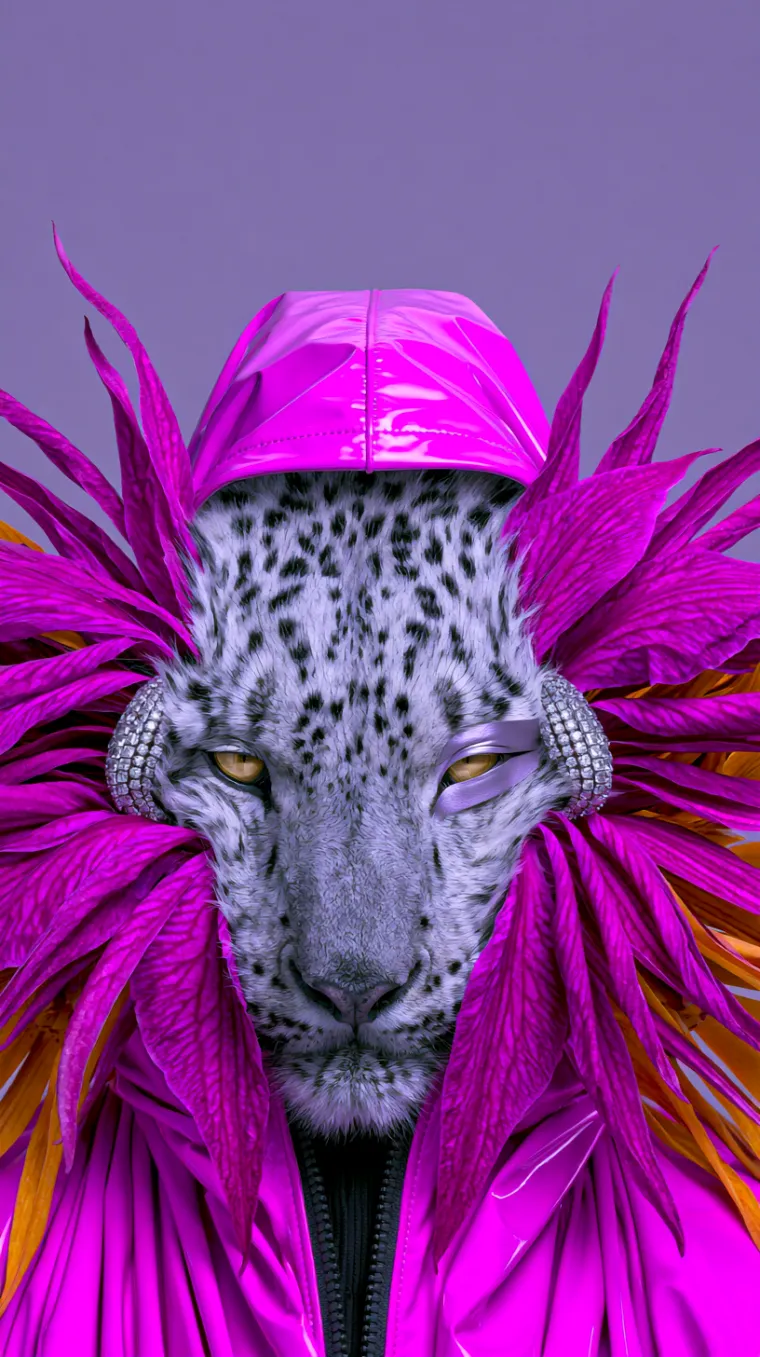
 Originalkott01 / 22 · Snow leopard
Real photographs → real kott output, unretouched. Not the studio UI — the result.
02/ CHAIN
one instrument, one signal chain.
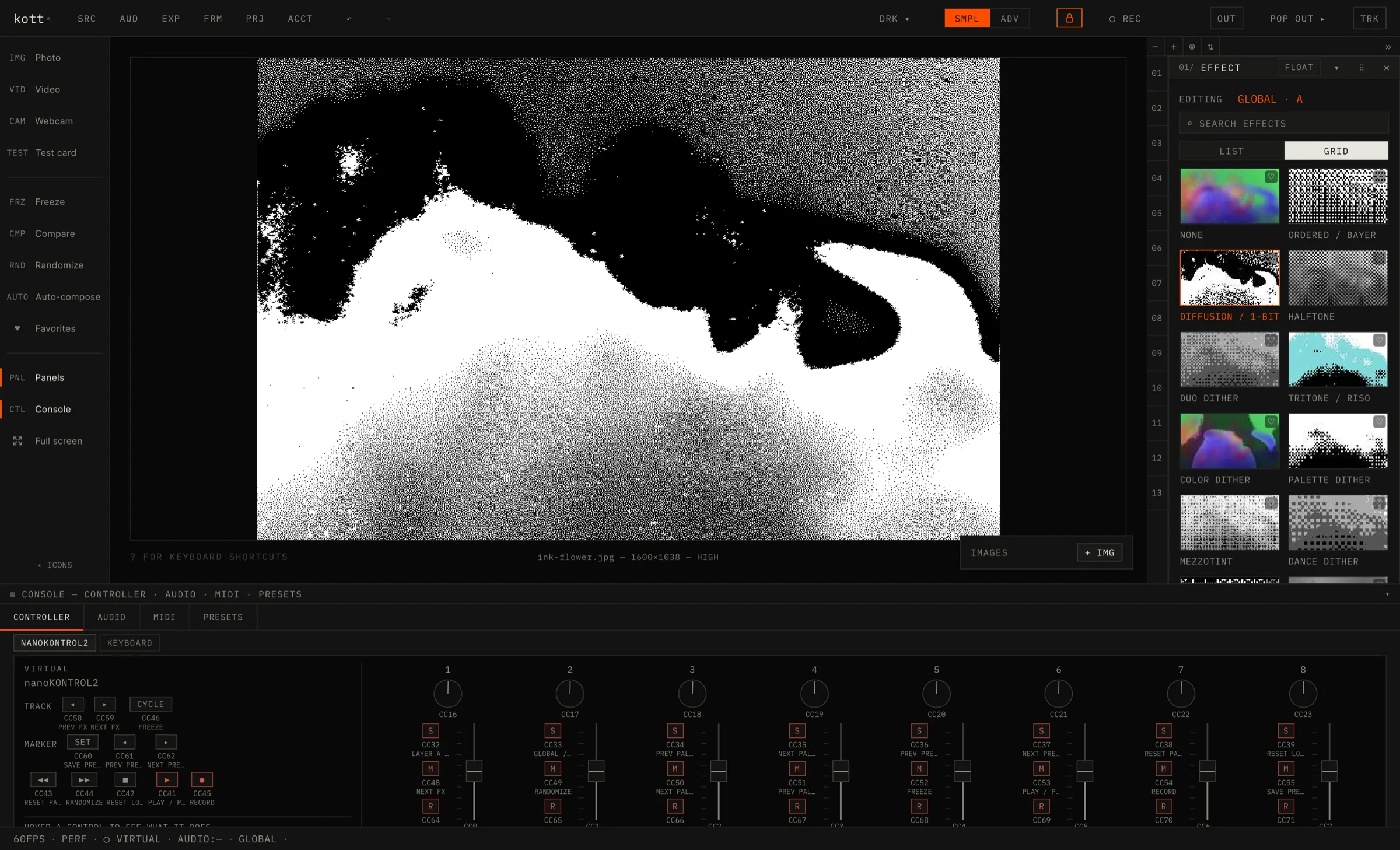
Real-time, at 60fps on a GPU canvas. Drop something in and the output is already moving — everything below is live kott running on video, not a pre-render.
source
- Live camera, video, or a still
- Audio in: onset, downbeat, 60–180 bpm
- MIDI clock in at 24 PPQN
- On-device cutout and detection
- Frames never leave the device
look engine
- Dither, halftone, ASCII, riso
- Pixel-sort, VHS, RGB-split
- Every knob at 60fps on a GPU canvas
output
- Layers and a type engine
- Still export up to 4K
- Video capture with synced audio
- Projector mode, MIDI, audio-reactive
03/ SPEC
specification.
Full spec ↓Less ↑
04/ PAID
what paying adds.
Free is the whole engine, not a trial. One payment, once, covers the web studio and the Mac app and adds these three.
every effect, 4K out
Export every effect, including the deep cuts the free set holds back: the VHS and glitch suite, slit-scan, the audio-reactive visualisers. Still export up to 4K in every format.
See pricingprojector mode
Clean fullscreen output to a second screen or a projector, panels stripped away, while the controls stay on your laptop. It is the difference between showing someone the tool and playing it at a room.
the mac app, included
Native, fully offline, no account — the build that still works when the venue wifi does not. Same licence, no second purchase.
05/ OUT
start free.
pay when it earns it.
No card, no trial clock. Open the studio and use it; the licence is there when the free set starts getting in your way.
$59, once. Web studio and the Mac app on one licence. No subscription, nothing expires.
Open the studiofree forever · no card required
Compare free and paid →